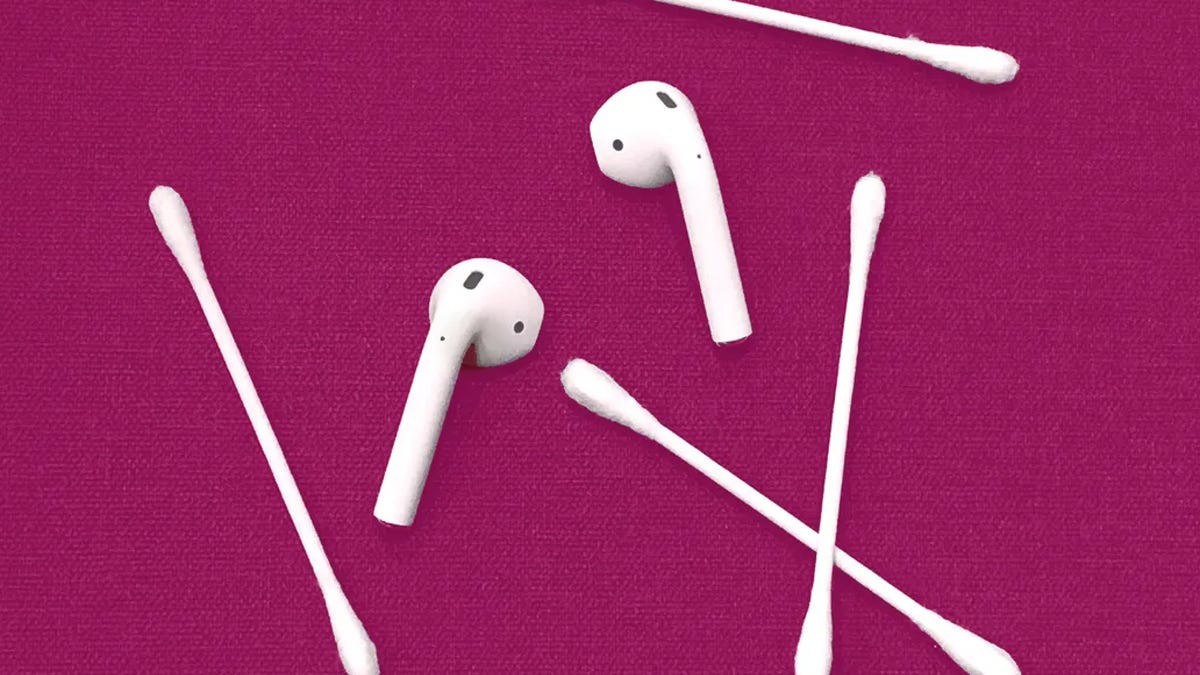
Regular use of wireless earbuds inevitably leads to the buildup of earwax, dust, and oils. While this might seem like a minor aesthetic issue, it is actually a matter of both performance and hygiene. Accumulated debris can muffle sound quality, reduce volume, and—most importantly—contribute to ear infections.
However, cleaning high-end audio gear is a delicate process. Using the wrong tools or liquids can permanently damage the delicate speaker meshes or internal electronics.
⚠️ The Golden Rules of Cleaning
Before you begin, keep these critical warnings in mind to avoid rendering your device useless:
– Never submerge them: Do not soak your AirPods or hold them under running water.
– Avoid harsh chemicals: Stay away from soaps, shampoos, solvents, detergents, or abrasive cleaning agents.
– Watch the moisture: Excessive liquid can seep into the speaker mesh or microphone openings, causing permanent hardware failure.
🛠️ Cleaning Your AirPods and AirPods Pro
For standard AirPods and the AirPods Pro, the goal is to remove debris without pushing it deeper into the device.
For the Earbuds and Case
- Exterior surfaces: Use a soft, dry, lint-free cloth to wipe down the body of the AirPods and the charging case.
- Microphones and meshes: Apple recommends using a dry cotton swab or a soft-bristled brush to gently clear out the speaker and microphone ports.
- Disinfecting: If you need to kill germs, you may use a 70% isopropyl alcohol wipe or a Clorox disinfecting wipe. Ensure the wipe is not dripping wet; you want to avoid any moisture entering the openings.
For AirPods Pro Ear Tips
Unlike the earbuds themselves, the silicone ear tips are water-resistant. You can remove the tips and rinse them with water. After rinsing, wipe them with a soft, dry cloth and ensure they are completely dry before reattaching them to the AirPods.
🎧 Cleaning the AirPods Max
Because the AirPods Max are larger and more complex, they require specific care, especially regarding the fabric components.
The Hardware
Use a slightly dampened cloth to wipe the exterior. Be particularly careful with substances like perfume, sunscreen, hair dye, or insect repellent, as these can stain or degrade the finish. If any of these get on the device, wipe them immediately with a water-dampened cloth and dry them thoroughly.
The Ear Cushions and Headband
If you use your AirPods Max during workouts, sweat buildup is a concern. To clean the cushions and headband:
1. Prepare a mild solution: Mix 1 teaspoon (5 mL) of liquid laundry detergent with 1 cup (250 mL) of water.
2. Clean the cushions: Remove the ear cushions, dip a cloth into the solution, and wipe them down.
3. Clean the headband: Hold the headphones upside down while wiping the headband to prevent any liquid from dripping into the internal electronics.
4. Rinse and dry: Wipe with a water-dampened cloth, then a dry cloth. Let them lay flat to dry for at least 24 hours before reassembling.
💡 Pro-Tips: Better Ways to Remove Stubborn Wax
Standard methods like cotton swabs can sometimes backfire, accidentally “smooshing” wax deeper into the mesh. If you are struggling with stubborn buildup, two household items can provide a more effective solution:
- Adhesive Tack (e.g., Fun-Tak): Knead a small piece of adhesive tack to warm it up, then press it gently against the speaker mesh. The tack will pick up the wax and debris as you pull it away.
- Wooden Toothpicks: For debris stuck in the crevices, a wooden toothpick is much safer than metal tools (like staples or needles). A toothpick is fine enough to pick out individual specs of dirt without scratching the plastic or tearing the delicate speaker wire mesh.
Summary: To maintain your AirPods, stick to dry cloths and soft brushes for the electronics, use mild soapy water only for removable cushions, and utilize adhesive tack for deep-cleaning speaker meshes safely.