
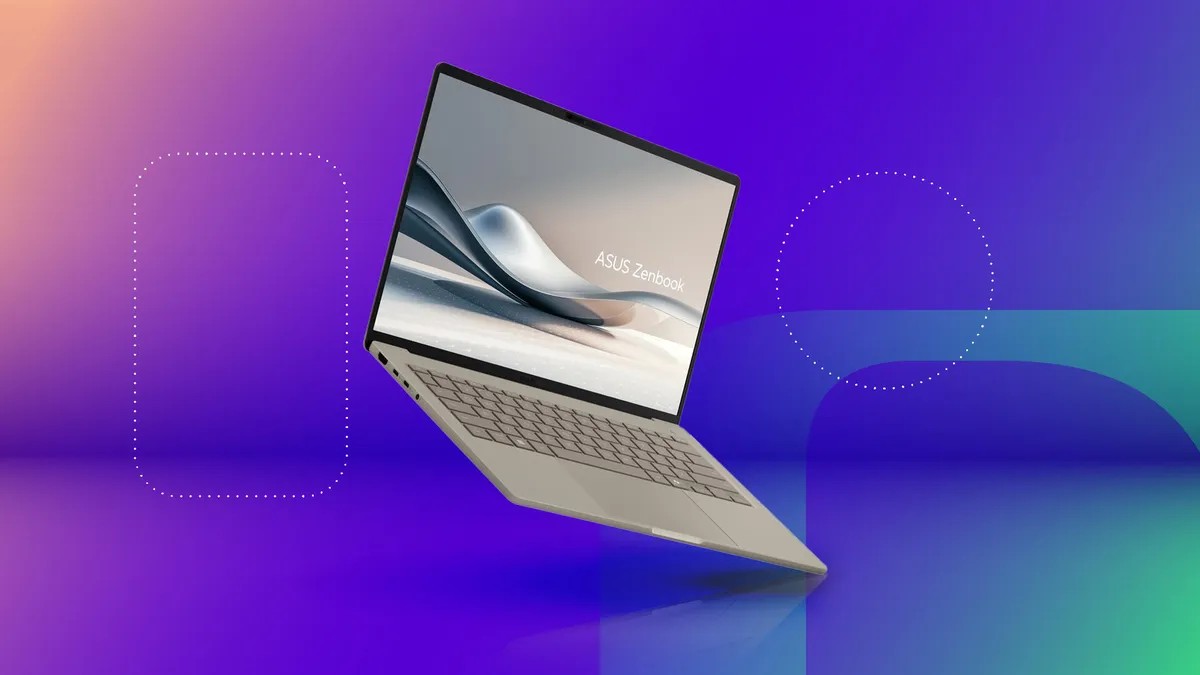
The laptop market is crowded, with countless models and configurations. Finding the right machine can feel overwhelming, but a clear understanding of key factors will simplify your decision. This guide breaks down what matters most when buying a laptop in 2026, focusing on price, performance, and usability.
Understanding Your Budget
Price is the first consideration for most buyers. Given that laptops typically last three years or more, investing slightly more upfront for better specifications is generally wise. Manufacturers are increasingly designing laptops with less upgradability, so choosing a configuration that meets your needs now is crucial.
Generally, higher price correlates with better components, build quality, and design. While $500 can get you a basic laptop for light tasks, a reliable model for work or school typically falls between $700 and $800. Creative work or gaming requires a budget of $1,000 or more. Always seek discounts – even high-end models often go on sale.
Operating System: Windows, macOS, or ChromeOS?
The operating system (OS) is a matter of preference and compatibility. Windows and macOS both offer similar functionality, but Windows dominates gaming while macOS integrates seamlessly with Apple’s ecosystem. If you’re unsure, test both in a store or borrow from friends to see which feels more natural.
Windows laptops offer the widest range of prices and models. Apple’s MacBooks, starting at $999 (often discounted), provide a premium experience but limit your options. For basic tasks and tight budgets, Chromebooks running ChromeOS are an option – but ensure your essential apps have Chrome, Android, or Linux versions.
Size and Screen Quality: Striking the Right Balance
Laptop size is dictated by screen size, which affects battery life, thickness, weight, and price. Ultrathin models may not be lighter than thicker ones, and smaller designs often sacrifice connectivity.
Screen resolution matters more than size. Aim for at least 100 pixels per inch (PPI) for sharp text and images. Higher resolutions (like 4K) can be overkill, but useful if you work with large spreadsheets or detailed graphics. Windows and macOS scale well, meaning higher resolutions are often preferable even if you increase font sizes.
Processing Power: CPUs from Intel, AMD, and Apple
The CPU (processor) is the laptop’s brain. Intel and AMD dominate the Windows market, while Apple designs its own chips for MacBooks. Faster processors with more cores deliver better performance.
Intel and AMD offer diverse chips for various laptop types, from power-saving ultraportables to high-performance gaming machines. Apple’s M-series chips (M1, M2, M2 Max) are streamlined but equally powerful. Pay attention to naming conventions to understand performance expectations.
Graphics: Integrated vs. Discrete GPUs
The GPU (graphics processor) handles screen rendering and accelerates graphics-intensive tasks. Windows laptops have integrated (iGPU) or discrete (dGPU) GPUs. iGPUs share resources with the CPU, making them power-efficient but less capable. dGPUs have dedicated memory (VRAM) for faster performance.
If you edit videos, game, or use demanding creative software, a dGPU is essential. Nvidia and AMD are the main dGPU manufacturers. Most basic productivity tasks run fine on an iGPU.
Memory and Storage: The Need for Speed
16GB of RAM is now the standard for smooth performance. 8GB is the absolute minimum, but can lead to slowdowns if applications exhaust memory. Many laptops now solder RAM to the motherboard, making upgrades impossible. Check specifications carefully before purchasing.
SSDs (solid-state drives) are faster than hard drives and should be your priority. Faster SSDs are ideal, but even a basic SSD is a significant upgrade over a mechanical drive. Consider external storage or cloud services if you need more space. For gaming, at least a 512GB SSD is recommended to avoid frequent game uninstalls.
Conclusion: Choosing a laptop requires balancing budget, performance, and needs. Prioritize components that won’t become obsolete quickly, such as RAM and storage, and consider your long-term usage patterns. With careful planning, you can find a laptop that delivers years of reliable service.