Golden Gate.
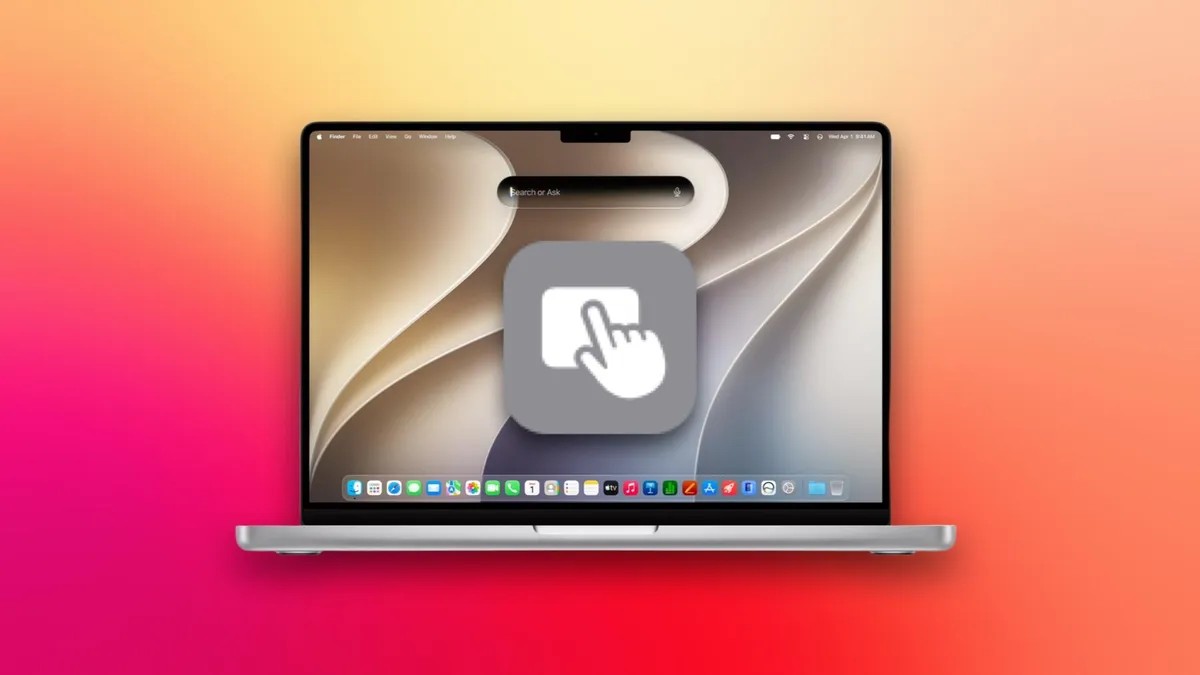
Apple’s next operating system, MacOS 27, lets you feel your way into a future that hasn’t happened yet. If you’ve been holding off on a touchscreen MacBook, unsure if you’d actually want one, this update is your sandbox. No hardware purchase required.
You can begin to answer the question of whether you want touch without waiting for the metal to arrive.
The interface itself? Boring. Golden Gate looks just like Tahoe. There are no massive buttons, no inflated menus, no radical shifts in scaling that scream “finger input.” Apple is likely refining touch support under the hood, but visually, it’s business as usual. That feels honest, or maybe just cautious.
How will we actually interact with the OS? Tapping. Pinching. Swiping. These feel more natural than wrestling a trackpad cursor around a dense interface, right? The answer isn’t clear yet, but Golden Gate gives us two clues.
Sidecar Gets Its Groove
First, swipe-to-refresh. You can finally pull down in apps to refresh content, just like on iPhone. It’s a small gesture, but it signals intent. It feels weird doing it with a mouse. It feels normal with a finger.
Second, and this is the big one: Sidecar.
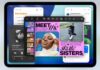
You probably know Sidecar. It turns your iPad into a second monitor. Before now, that second monitor was essentially dumb. You couldn’t touch the screen to interact with your Mac’s apps. You could scroll with two fingers, zoom with a pinch, but that was it. If you wanted to click a button or move a window, you still had to touch the MacBook’s trackpad. It was a one-way street.
Golden Gate opens the gates.
Now you can tap controls, scroll with one finger, use system gestures, and even try the new swipe-to-refresh directly on the iPad. The iPad becomes a true touchscreen interface for your Mac.
Suddenly, the menu bar feels different. The dock feels different. Juggling tabs in Safari, digging into Settings, or tracing lines in Photoshop—doing all this on an iPad screen simulates what it might actually feel like to own a touch MacBook. You aren’t guessing anymore. You’re touching it.
What You Need to Play Along
It’s not magic, though. You need the gear.
To get these expanded gestures working via Sidecar, both devices need to speak the new language:
– Your Mac must be running macOS 27 (Golden Gate)
– Your iPad must be running iPadOS 27
Standard compatibility rules still apply. Same Apple ID. Same Wi-Fi network. Bluetooth on. And you’d better stay close—within 30 feet—or the link breaks.
Will Apple tweak the interface further before a touch MacBook ships? Maybe. But the hardware speculation is exhausting. The software is here. If you have the devices, go ahead. Tap the screen. See if you hate it.