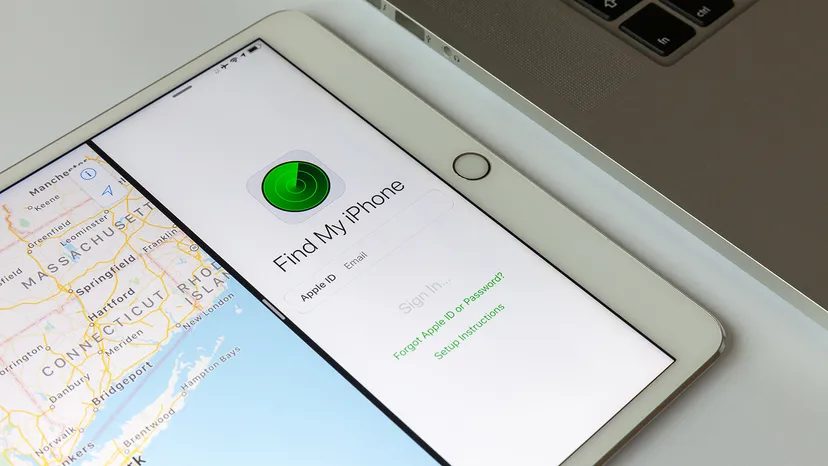
iPhones, Macs, and even AirPods are more than just glass and silicon. It’s a beacon. If you can’t find it, Apple’s ecosystem provides tools to help you find it. The main interface is the Find My app. You can use it to play sounds, mark your device as lost, and wipe data remotely. But there’s a problem. This app only works if you have enabled location services in settings. You also need to sign in to your Apple account. If you skip these steps, you will leave valuable items in the dark.
Why location services are important
Think of GPS as the voice of your device. Without it, you can’t know where it is. It works on iOS and Android. The smartphone has a built-in receiver and transmitter. Navigate in real time by pinging your network. They do the same thing when trying to find a stolen cell phone. You can check the location of your target device whenever it is turned on and connected to Wi-Fi or mobile data.
Multiple accounts can share this information. You can allow family members to see each other’s locations. This is a useful feature. It is also a safety net.
What happens when the battery is empty?
This is bad news. Real-time tracking stops when the battery is completely empty. The phone went silent. Good news? iOS 15 and up is a game changer. You can send your last known location even if your device is turned off or the battery is empty. This depends on the Find My network. Other nearby Apple devices can detect the signal. Then update your location anonymously. You can still track your device in this mode. This feature is useful if you lose your iPhone and cannot restore an active connection.
Phone tracking on iOS
The process is simple. No third-party apps required. Built-in functionality.
Enable basic functions
Check your settings first. Go to “Privacy and security”. Make sure location services are enabled. Then scroll down to “Find My”. Make sure it is enabled. You also need to make sure your device is connected to your Apple ID. Without this link, the cloud has nowhere to send data.
Using the Application
Open Find My on any Apple device. Click on the Devices tab. Select the missing item. The location is shown on the map. If you are nearby, click Play sound. Volume overrides silent mode. This way you can hear the sounds under the sofa cushions.
If you can’t get it back, please mark it as lost. This will lock your device. A message with your contact information will appear. It also starts tracking you when you come back online.
Remote wipe
If your device is permanently gone, you can wipe it remotely. This will delete your personal data. The activation lock is not removed. Thieves can’t access your phone. However, once you delete it, you can no longer track it in real time. Except for iOS 15+ devices. Yet its last known location remains.
Comparison of Android and iOS
Both platforms offer tracking features. The functionality is slightly different. Android uses Google’s Find My Device function. It works the same way. Requires a Google account. Location services are needed. The user interface is different. The ecosystem is not as tightly integrated as Apple’s.
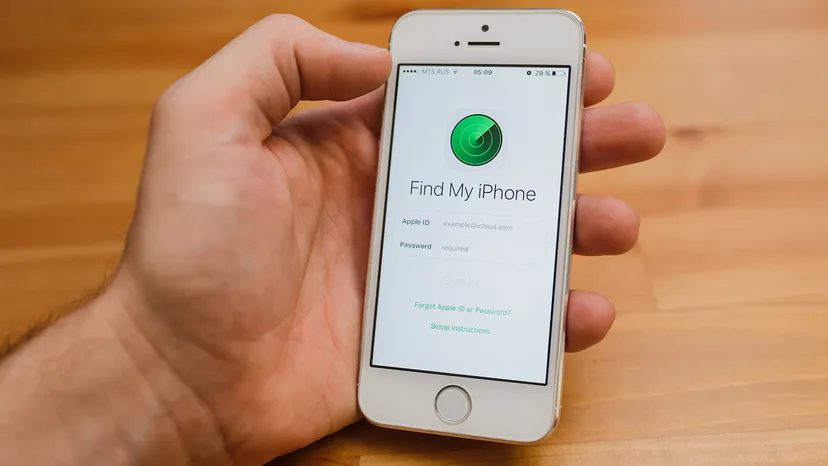

Apple’s Find My network is more about survival than surveillance. It’s an encrypted, anonymous network of hundreds of millions of devices. AirPods, Apple Watch and Mac all act as relay stations. When your iPhone goes offline, these nearby Apple gadgets send a ping signal to a Bluetooth beacon. You can tell by looking at the map. The information is anonymous. The web knows nothing about you. There is “something” about it though.
To use these controls, you need another device connected to your Apple ID. The second device becomes a remote control center.
Implementation of the safety net
Settings are hidden under “Settings”. It’s not obvious at first glance.
- Open Settings.
- Click your name at the top.
- Select Find My.
- Open Find My iPhone (or iPad or Mac).
You can also enable Location Sharing. This way friends and family can see your phone on the map. This is convenient, but also a vulnerability. Use with caution.
The most important thing is to turn on Find my network. Without it, your phone will be invisible offline. It makes you part of the group. You also need to enable “Send Last Location”. When the battery runs out, Apple saves the coordinates. A marker appears on the map.
7 day limit
There are strict restrictions. If you wait too long, the trail goes cold.
When you open the Find My app, you won’t be able to locate your device if it was last detected more than 7 days ago. The system stops tracking. For security and data protection reasons, indefinite history for security and privacy reasons. We must act quickly.
Mark as missing
If you can’t easily restore your device, you have other options. The first is marked as lost (lost status).
This will lock the screen. A custom message and phone number will appear. Tracking is also possible in this mode. Keep your data safe. In addition, nothing is deleted.
Nuclear options: Remote wipe
If your device is completely lost, you can erase it.
- Go to the Devices tab of the Find My app.
- Select the lost device.
- Scroll down.
- Select Wipe this device.
Confirm the action.
Note: This action cannot be undone. All data will be lost.
iOS 15 or later
This is good news. If your device’s operating system is iOS 15 or later, deleting content will not stop tracking.
Apple separates tracking functions from user data. The device will still appear in your Find My network. You can still see its location on the map. You can continue playing the sound. The phone was cleared, but not invisible. This is a big change from previous versions where deleting meant losing the thread entirely.
Track your Android smartphone
Apple’s ecosystem is closed. It works because Apple controls the hardware, software and network. Android is different. It is fragmented. There is no “Find My” app that works for all manufacturers.
If you’re trying to track an Android smartphone, you’re not looking for an integrated service. What you see is a patchwork
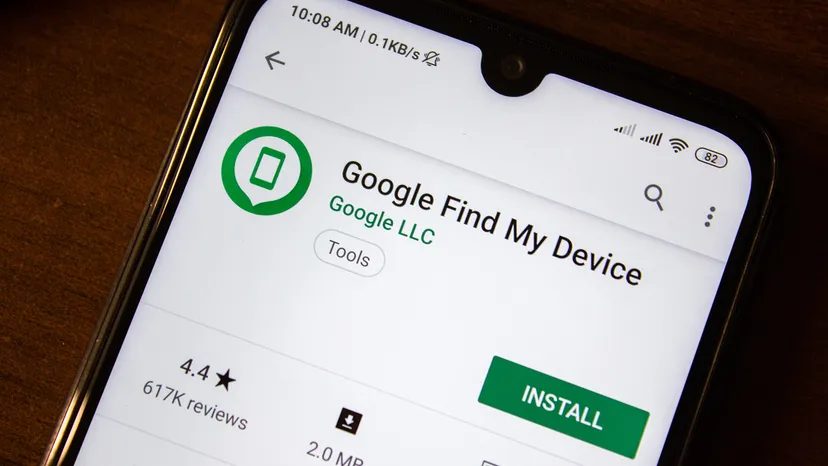
Android Tracking: The Reality of “Find My Device”.
Losing a cell phone can cause panic. You start remembering all the places you went yesterday. The good news is that Google has found a way to get it back. It’s called “Find My Device”. You can see where your phone is, lock it and wipe it clean. All you need is a Google account and a little patience.
But here’s the problem. It doesn’t work every time.
In order for this feature to accurately track your smartphone in real-time, your device must meet a strict checklist. You must be signed in to your Google account. Location services must be enabled. The “Find My Device” setting itself must be enabled. Power is needed. Requires mobile data or WiFi connection. And it must be visible on Google Play.
If your device is turned off, you’re basically out of luck. If you previously enabled Store recent location, you may see your last known location. This is a buffer against total blindness. But what about real-time tracking? No.
Using Find My Device on Android
Once you confirm these settings, the process is simple. Open a browser and go to android.com/find. Alternatively, you can download the Find My Device application to your other phone from the Google Play Store. In either case, you can sign in with the same Google account associated with your lost device.
Please note that this location is an approximate location. This map is not accurate enough to tell if your device is in the coffee shop versus the one next door. If the device cannot connect, the last known location is displayed.
You will receive a notification when your phone is finally connected. The map has been updated. If you have multiple devices linked to your account, you can select the missing device from the top sidebar. If you have multiple user profiles, log in using your main or personal profile account.
Next you have to make a choice.
What options do I have if I lose my phone?
Google offers three main paths. Each has consequences.
Play sound
This will cause the device to ring at maximum volume for 5 minutes. Works even if your phone is on silent or vibrate. This is useful if your phone is hidden under the sofa cushions. If someone steals it and leaves it there, it is of no use.
Secure device
This will lock your device with a PIN or password. If there is no lock, you can set one. You can also add a message to the lock screen. Like a phone number that someone can call. This will help someone return the device to you. Prevent your data from falling into the wrong hands.
Wipe Device
This will permanently delete all your data. You may not be able to delete SD cards. After this, Find My Device will no longer work on that device. You lose the ability to track it. You are left with a brick without personal information. This is the nuclear option.
How is Android different from AirTag tracking?
It is often compared to Apple’s AirTag. The AirTag tracker was released on April 30, 2021. This is a small piece of hardware. Uses Bluetooth and Apple’s Find My network.
Android solutions are built into the software. It relies on the phone itself is connected to the Internet. No need for another tracking device. However, your phone must be switched on and online.
Frequently asked questions
** Can I track my phone if it’s turned off?**
You can’t track your phone if it’s completely turned off. However, some devices may send the last known location before turning off.
What if my tracked phone is moved or stolen?
Notify the service provider and local authorities immediately. If sensitive data is at risk, consider using remote lock or wipe functions.