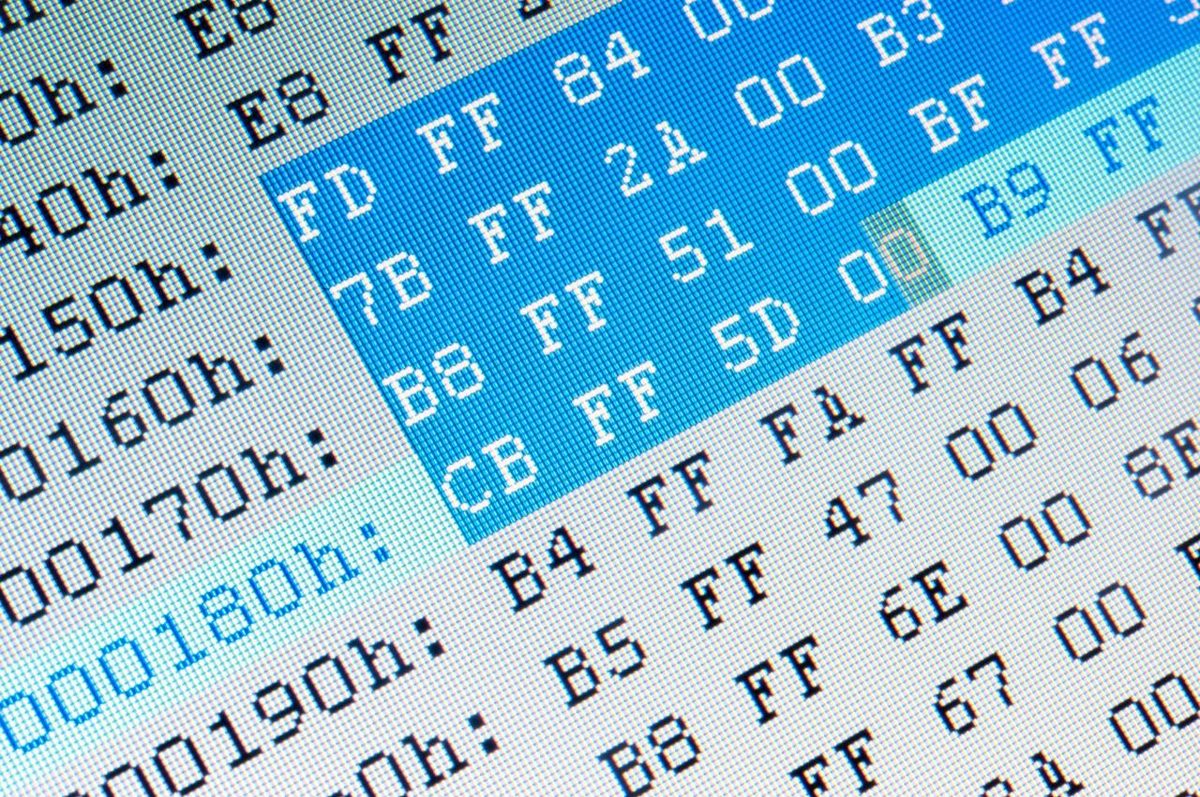
Hexadecimal is a base-16 numbering system. It replaces the standard decimal digits 0 through 9 with the letters A through F. That gives you 16 distinct symbols to work with. The name itself hints at its structure. “Hexa” comes from the Greek word for six, and “decimal” refers to a base-10 system. Together, they describe a system that bridges the gap between two very different ways of counting.
Computers live in binary. They speak in zeros and ones. Humans live in decimal. We count on ten fingers. Converting long strings of binary code directly into something a human can read quickly is a pain. It’s tedious. It’s error-prone. Hexadecimal solves that friction.
Why Hexadecimal Matters in Computing
The primary reason for using hexadecimal in computing is readability. Binary strings are notoriously difficult for humans to parse. A single byte of data can look like this: 11111011. It’s easy to miss a bit. It’s hard to spot a pattern. Convert that same byte to hexadecimal, and it becomes FB. Much cleaner. Much easier to handle.
Since 16 is a power of 2 ($2^4$), the conversion between binary and hexadecimal is straightforward. You group binary digits into sets of four. Each group maps perfectly to one hexadecimal digit. This mathematical relationship makes it a natural bridge.
Historically, base-16 systems weren’t invented for computers. Ancient Chinese measurement systems used hexadecimal concepts long before silicon chips existed. But in the digital age, it serves a specific, critical function. It translates raw machine language into a format that developers, programmers, and system administrators can actually work with.
How Hexadecimal Operations Work
All the standard arithmetic operations you know from decimal apply here. You can add, subtract, and multiply using base-16 rules. The logic remains the same; only the symbols and the carry-over points change.
Consider a simple addition. In decimal, $10 + 10 = 20$. In binary, it’s $1010 + 1010 = 10100$. In hexadecimal, let’s look at $A + B$.
$A$ represents 10. $B$ represents 11.
$10 + 11 = 21$ in decimal.
In hexadecimal, 21 is represented as 15 (one sixteen and five ones).
So, $A + B = 15_{16}$.
This isn’t just theoretical. When you’re debugging memory addresses or analyzing color codes for web design, you’re dealing with hexadecimal values daily. It’s the standard for representing data in a compact, human-friendly form.
Where Hexadecimal Is Used
You encounter hexadecimal more often than you might think. It’s everywhere in low-level programming. Memory addresses are typically displayed in hex. MAC addresses for network cards are hex-coded. Even HTML color codes, like #FF5733, rely on this system.
The choice isn’t arbitrary. It’s about efficiency and clarity. Binary is too long. Decimal is incompatible with the binary foundation of computer architecture. Hexadecimal sits right in the middle. It reduces the length of data representations

Binary is accurate. It’s not readable.
A string of ones and zeros is fine for a machine. It’s a nightmare for a human. Hexadecimal fixes this. It compresses data. It makes the raw mechanics of computing look like something a person can actually parse.
The math is simple. Hex uses base-16. Decimal uses base-10. Binary uses base-2.
Because 16 is larger than 10 and 2, hex strings are shorter. You pack more information into fewer characters. Take a number that needs 24 digits in binary. That’s 7 digits in decimal. In hex? It shrinks to just 6.
This compression isn’t just about saving screen space. It’s about sanity.
Where Hexadecimals Appear in Tech
You see this system everywhere once you know how to look. It’s the glue holding together low-level machine instructions and high-level user interfaces.
- Memory Addresses: RAM locations are often labeled in 16 or 32-bit hex codes.
- Web Colors: That
#RRVVBBcode you see in CSS? It’s red, green, and blue values in hex. - Network Security: Older WEP keys rely on hex notation.
- Character Encoding: Unicode uses hex to map symbols.
- Hardware IDs: Every network card has a unique MAC address written in hex.
How the Base-16 System Works
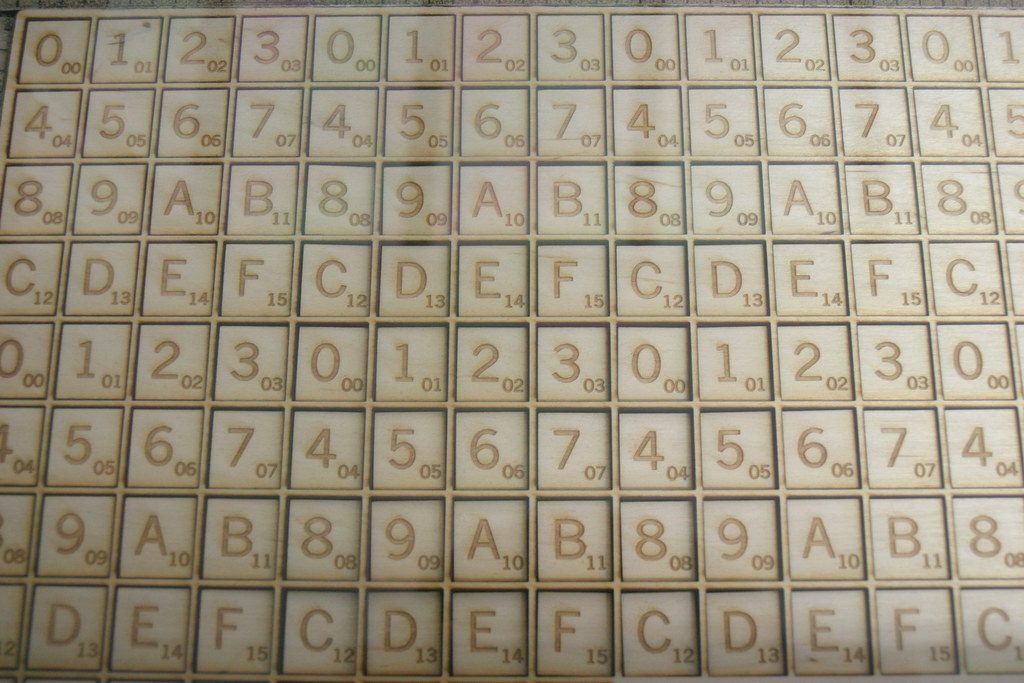
Hex uses ten digits and six letters.
0 through 9. Then A through F.
A equals 10. B is 11. C is 12. D is 13. E is 14. F is 15.
Why these letters? Because we run out of digits after 9 in any standard system. We need symbols for the higher values.
There’s a direct link to binary. Each hex digit represents exactly four bits.
Four bits can create 16 unique combinations (0000 to 1111). That’s a perfect match.
Take the letter C. In decimal, it’s 12. In binary, it’s 1100. One symbol. Four bits. Clean conversion.
Converting Binary to Hex
The trick is grouping.
You don’t convert digit by digit. You slice the binary string into chunks of four, starting from the right.
Look at this binary number:
0111 1010
Split it.
Left group: 0111. That’s 7.
Right group: 1010. That’s 10. In hex, 10 is A.
Put them together. You get 7A.
Try a harder one.
Decimal: 1763.
Binary: 11011100011.
It’s messy. So we pad it to the left with zeros until it’s divisible by four.
0110 1110 0011
Now read each chunk.
0110 is 6.
1110 is 14 (E).
0011 is 3.
Result: 6E3.
Shorter. Cleaner. Same value.
Getting the Decimal Value Back
How do you read hex if you’re used to base-10? You calculate the position.
Each digit has a weight based on its place, counting from right to left starting at 0.
Take A2F.
The F is in position 0. It’s worth 15. So, 15 x 16⁰.
The 2 is in position 1. It’s worth 2. So, 2 x 16¹.
The A is in position 2. It’s worth 10. So, 10 x 16².
Do the math.
10 x 256 = 2560.
2 x 16 = 32.
15 x 1 = 15.
Add them up.
2560 + 32 + 15 = 2607.
It’s just place value. Like tens and hundreds in normal math, but with powers of 16.
ASCII and the Limits of Basic Encoding
Hex isn’t just for numbers. It’s how computers talk about text.
ASCII defines 128 characters. It uses 7 bits. The 8th bit is zero.
You can map these to hex values (00 to 7F).
- 00-1F: Control codes. Not visible. Backspace, bell, enter.
- 20-2F: Special characters. Spaces, punctuation, brackets.
- 30-39: The numbers 0 through 9.
- 3A-3F: More symbols. Colon, semicolon, slash.
- 41-5A: Uppercase A-Z.
- 61-7A: Lowercase a-z.
- 7F: Delete command.
This works for English. It’s rigid. It’s efficient.
But it fails elsewhere.
French needs accents. German needs umlauts. Arabic and Chinese need entirely different scripts. ASCII can’t handle them.
That’s why Unicode exists. It expands the character set massively. It still uses hex for representation, but the scope is global.